

First login
Your account is approved. Here's the quickest path from sign-in to a first result.
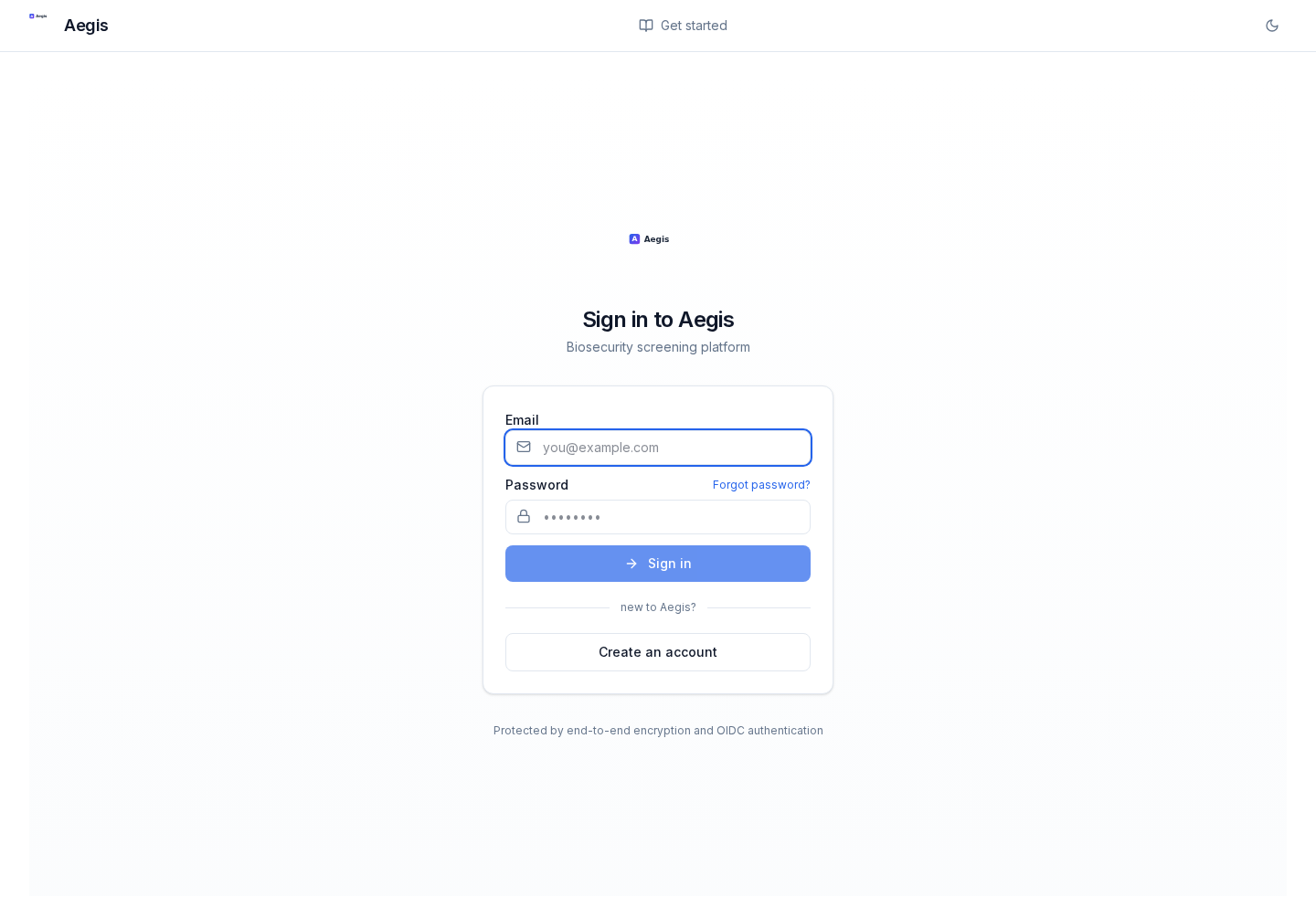
Sign in
- Go to the sign-in page.
- Use the email and password you registered with.
- You'll land on the main analysis page — FASTA input on the left, results on the right.
Forgot your password?
Use Forgot password on the sign-in page to receive a reset email.
What to try first
- Paste a small FASTA (a few kb) into the text area, pick a service, and hit Analyze. The in-app guide has a worked example.
- Watch the progress bar — it streams via Server-Sent Events; see Watching progress.
- When results arrive, check the summary header, genome browser, and surveillance panel — each is covered in the user guide.
Next steps
- Submit a sequence — service selection, size limits, optional geography.
- API keys — for scripted access outside the browser.
- MCP setup — to use Omnii from an AI agent.
- Your account — manage API keys, sign-out, and account deletion.
Omnii v0.10.0 · rebuilt 2026-04-28 · https://radicalaegis.com/guide